English
 Deutsch
 Espanol
 Français
 Portuguese
 中文
中文 한국어
한국어 日本語
日本語
VMware Monitoring Tools for VMware Server Performance
Get total visibility into VMware server performance. Monitor hypervisor resources, storage LUNs, VM clusters, VMs, vMotions and applications from one console. Only VMware monitoring tool to provide correlated inside and outside views of VMs, with one license.
Free TrialTrusted by leading companies




Why is VMware Monitoring Important?
VMware performance monitoring is essential for ensuring the availability and security of virtualized environments. By continuously tracking resource usage, VM performance, and potential issues, businesses can prevent downtime, optimize resource allocation, and maintain a stable virtual infrastructure.
- VMware ESXi infrastructures are business critical. They host key servers and applications that power the business online.
- Failure or slowness of one server affects the performance of all VMs hosted on it. So, the impact of failure or slowness is severe.
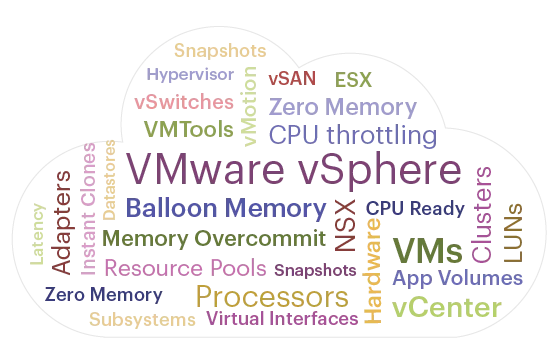
- VMware ESXi virtualization has several components. Processors, memory, datastores, LUNs, storage adapter, network interfaces and hardware that have to be managed. Clustering and dynamic migration also needs to be tracked and monitored.
- For fast problem diagnosis, it is important to triage a problem and determine the root-cause: is it the hypervisor, or storage, or the virtual network, or the VMs that are causing the issue?
Solve Top VMware ESXi Performance Issues
in Minutes with eG Enterprise VMware Monitoring
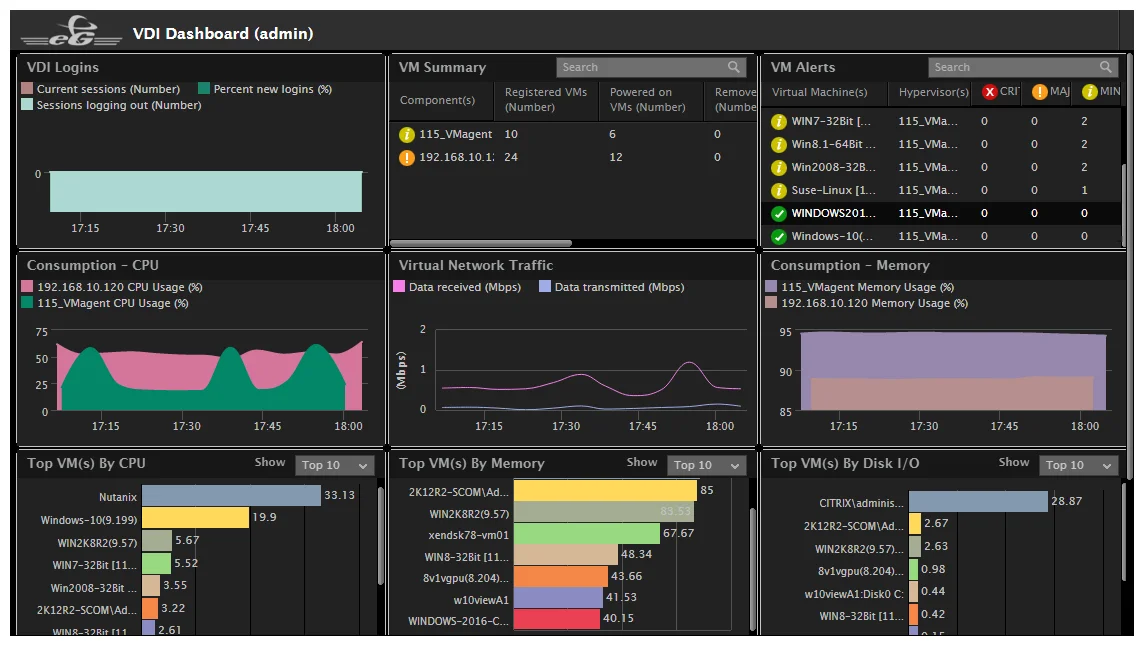
Intuitive VMware ESXi Monitoring
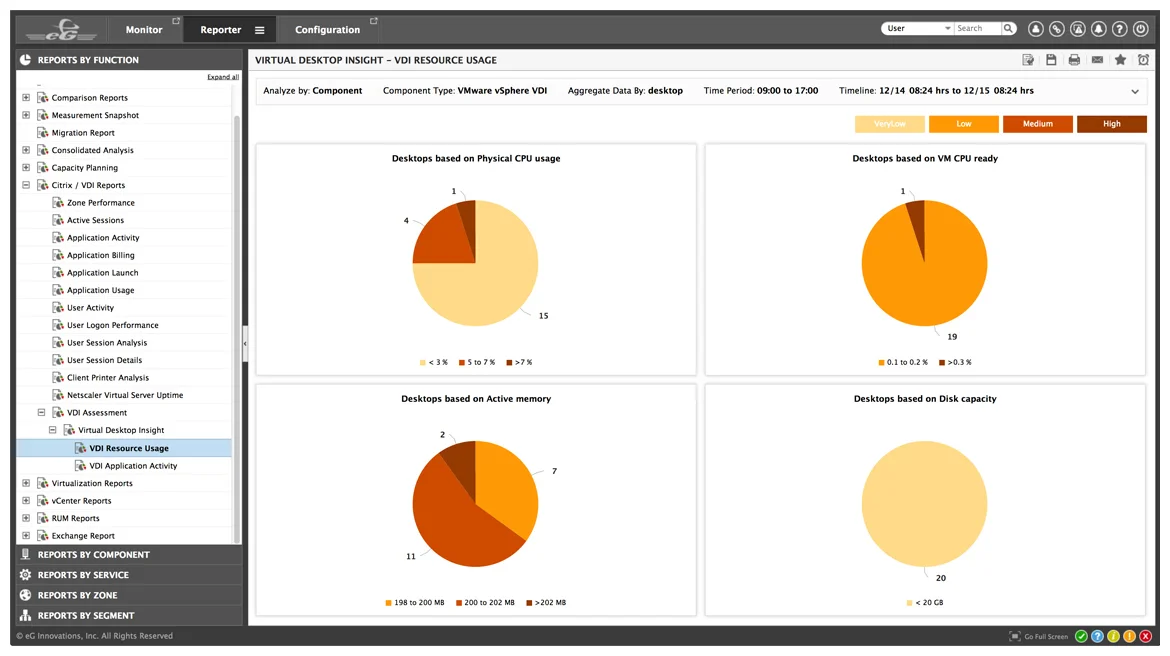
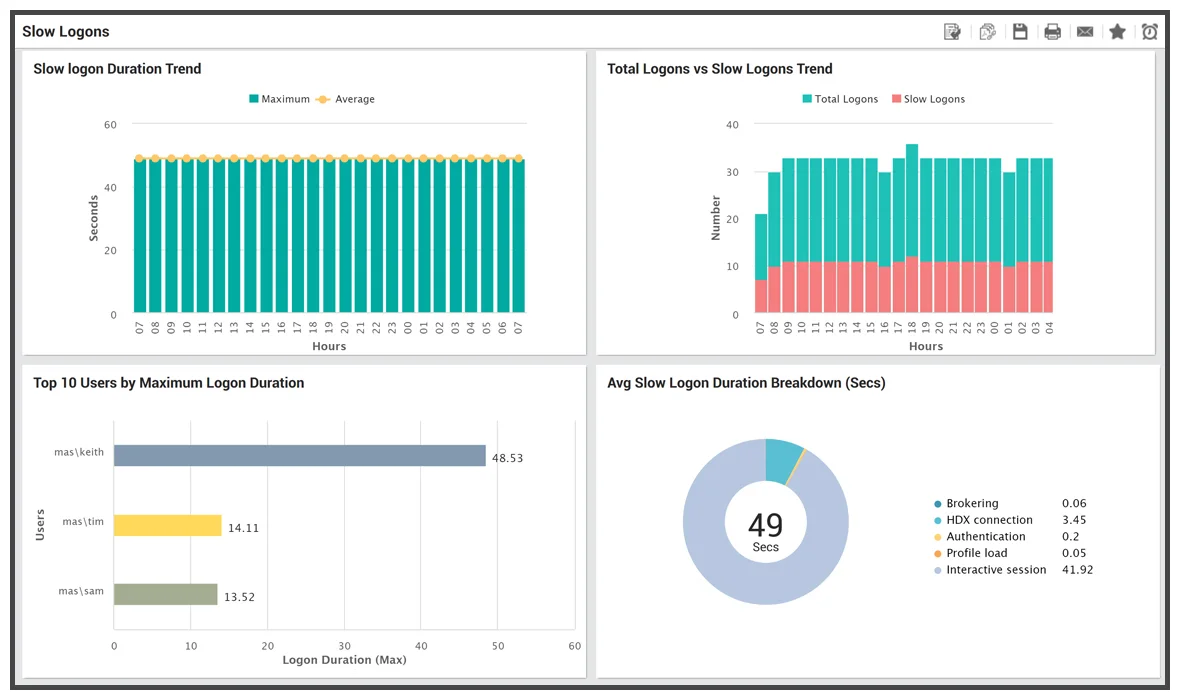
Dashboards, Analytics and Reports
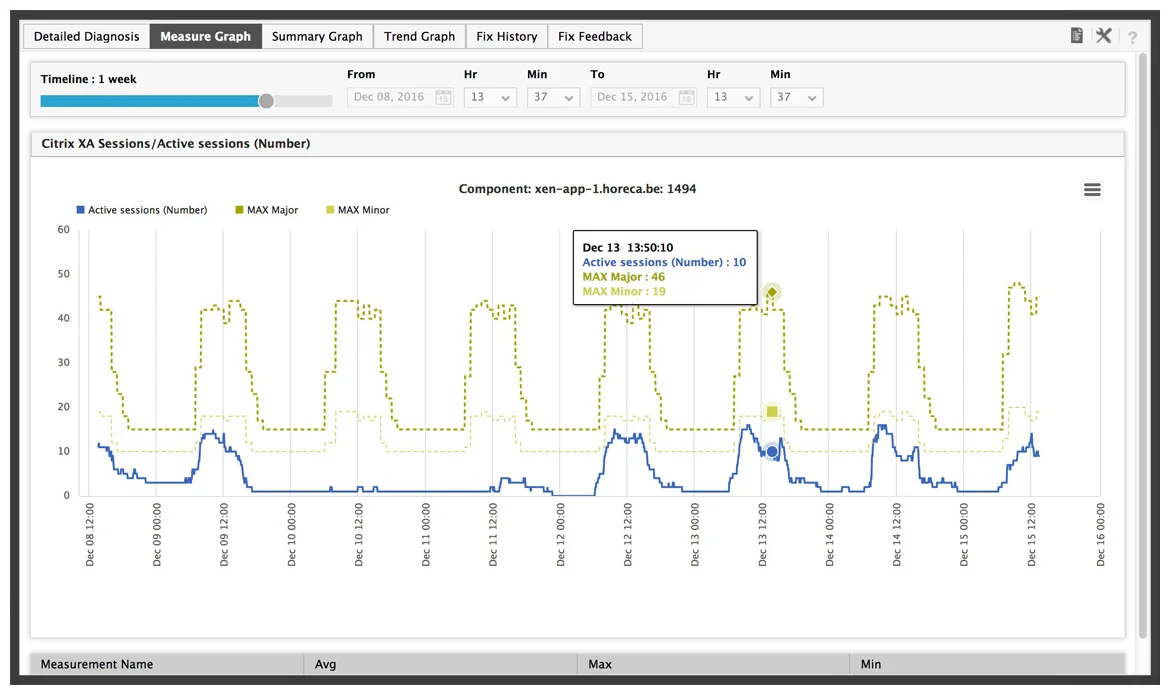
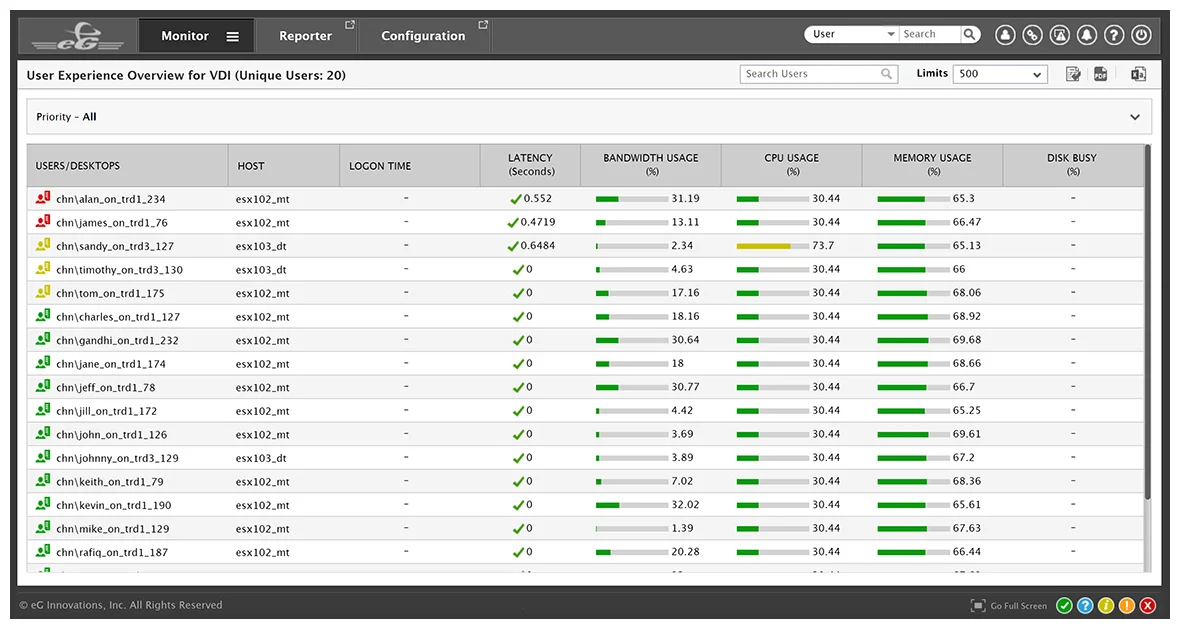
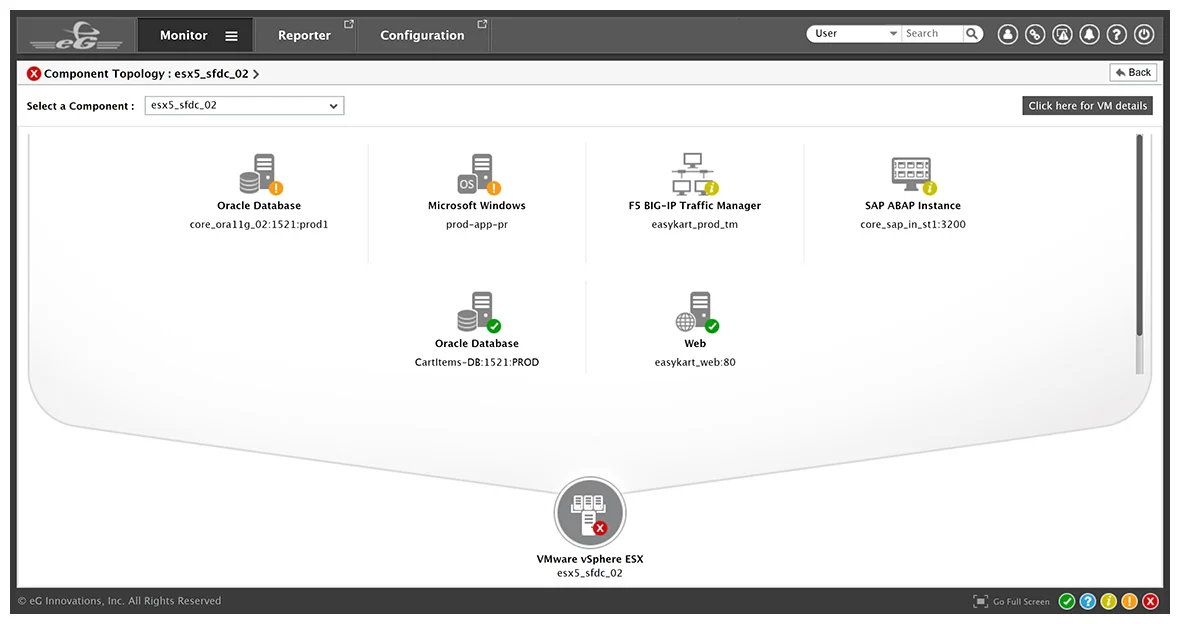
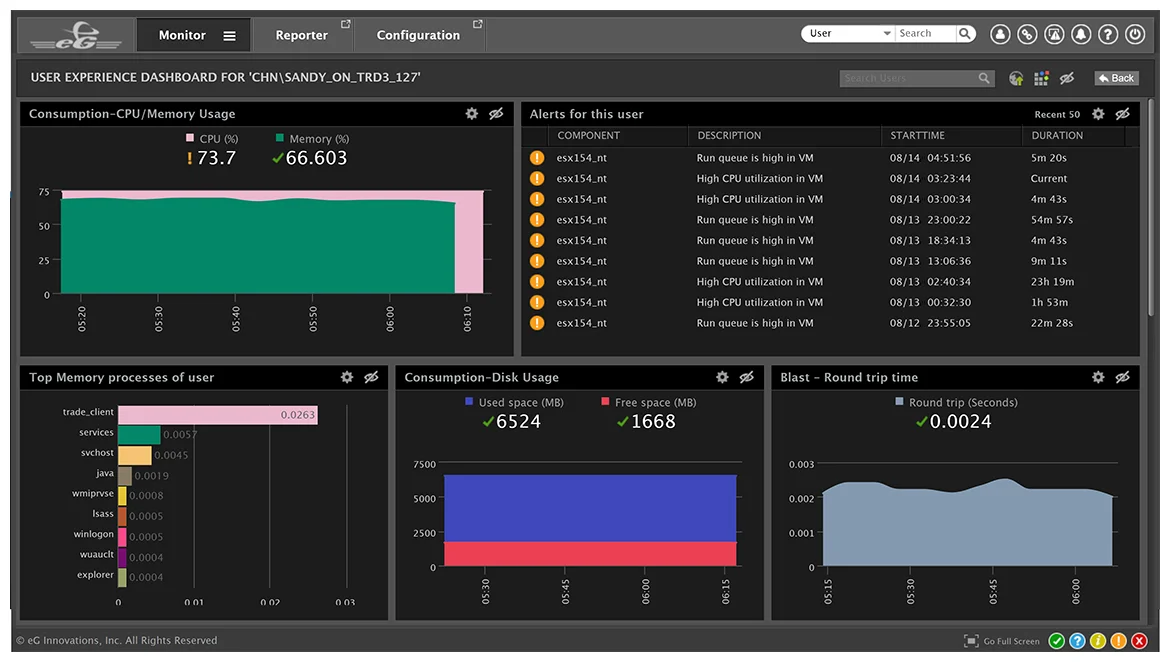
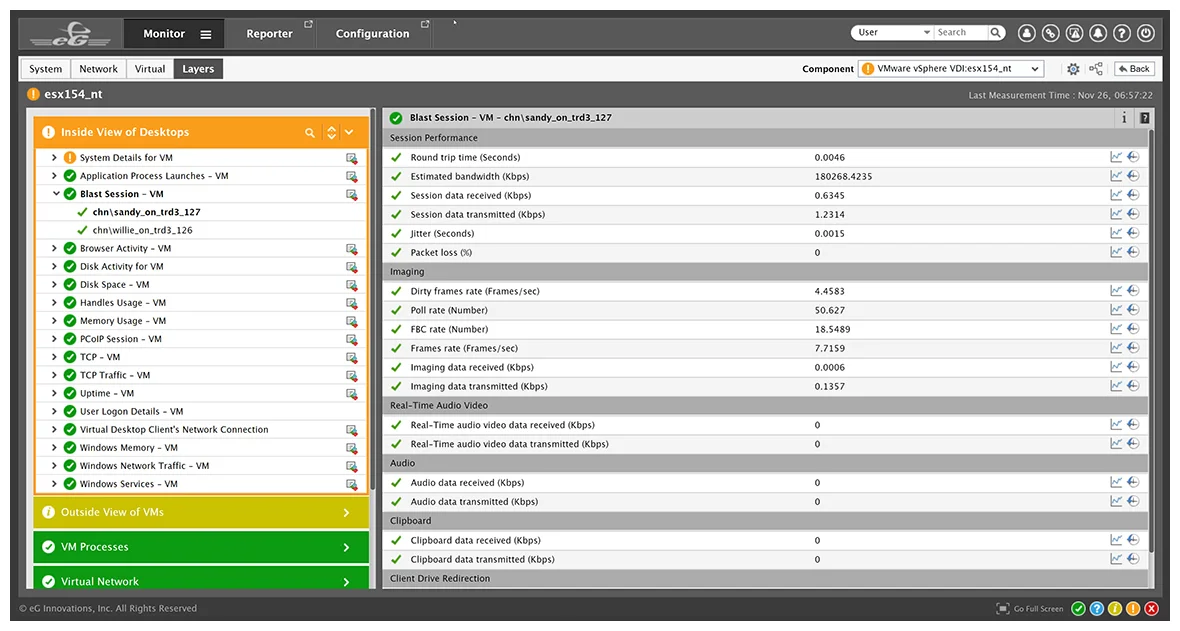
Get Diagnostics for Troubleshooting
Virtual Application and Desktop Performance
Go beyond traditional VMware vSphere Monitoring Tools with end-to-end visibility across heterogeneous infrastructures and comprehensive operating system metrics from every VM guest.
- Monitor CPU, memory, disk space, handles and network traffic inside every VM
- Monitor vSphere hypervisor performance and resource usage, and right-size VMs
- Get 360° visibility of virtual application and desktop performance
- Get user experience insights, code level visibility, top queries and more
- Auto-correlate application, desktop, VM and hypervisor performance to identify where bottlenecks are
Key VMware ESXi vSphere Performance Metrics Provided by eG Enterprise
-
ESXi Host
(Hypervisor-Level Metrics)- Datastores and LUNs
- Disk capacity and disk activity
- Memory (kernel, active, reserved, balloon, granted, shared, etc.)
- pCPU utilization
- NICs
- Server hardware (fan, power supply, etc.)
- vSwitches
-
Outside View
of Virtual Machine- VM management info (powered-on VMs, registered VMs, etc.)
- pCPU, vCPU utilization
- Memory (balloon, swap, configured, shared, active, etc.)
- Disk capacity, reads and writes
- VM network connectivity
- Bandwidth
-
Inside View
of Virtual Machine- Disk activity
- Disk space
- vCPU utilization
- Processes on guest OS
- Memory (free, swap)
- VM handles
- TCP connectivity, retransmits
- Network traffic
- VM uptime
-
Datastores/Storage
- Availability
- Number of LUNs
- Disk space (free, used, provisioned)
- Snapshot files
- Swap files
- Disk activity (read/write latency, IOPS)
- vSAN performance
- LUN read/write latency
-
VM Clusters
- Details of VMs in the cluster
- CPU (available, reserved, used in resource pool, host CPU used by VMs)
- Memory (available, reserved, consumed by VMs in resource pool)
- Distributed vSwitches
- Distributed Port Groups
-
vCenter
- Cumulative view of ESXi hosts, VMs, clusters, datastores, etc.
- Events
- Sessions
- Tasks
- Licenses
- vMotion activity and performance
- Disconnected hosts
- Orphaned VMs
The Only VMware vSphere Performance Monitoring
Solution Offering Both Inside and Outside Visibility of VMs

Go beyond VMware Monitoring with VMware vROps with end-to-end monitoring of heterogeneous infrastructures and visibility of OS metrics from every VM guest.
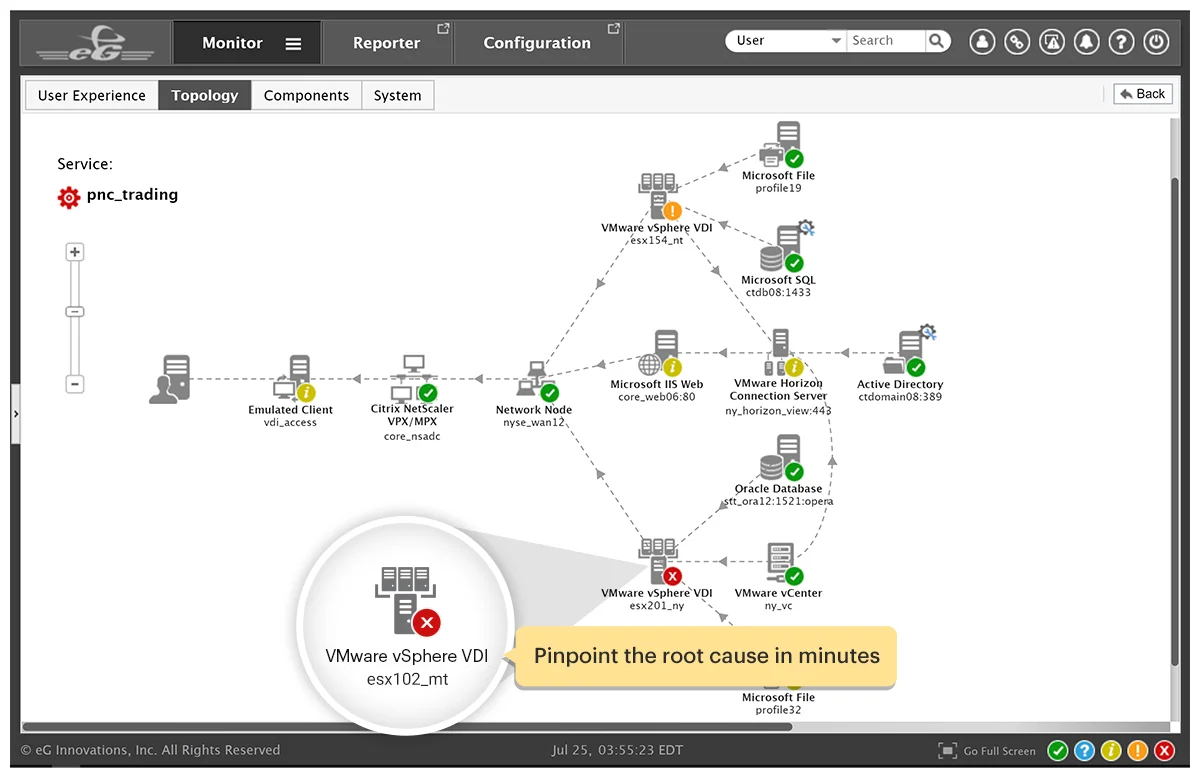
Industry-first Truly Virtualization-aware Root-Cause Diagnosis
Key Features & Benefits of Using
eG Enterprise for VMware ESXi Performance Monitoring
- Total Performance Visibility across the VMware ESXi infrastructure
Monitor the performance of every layer, every tier of the end-to-end service so you know what's working and what's not. - Deep Insights into Virtual Application Performance
In-depth visibility inside each application's performance so you know how the application is performing, how its virtual machine is performing and how the hypervisor it is hosted on is performing. - Proactive Detection and Resolution of Performance Issues
Auto-baseline your VMware ESXi infrastructure; Get proactive alerts when your infrastructure usage and performance are abnormal. Automatically correlate across metrics from different tiers to identify and fix issues before users call.
- Powerful Reporting
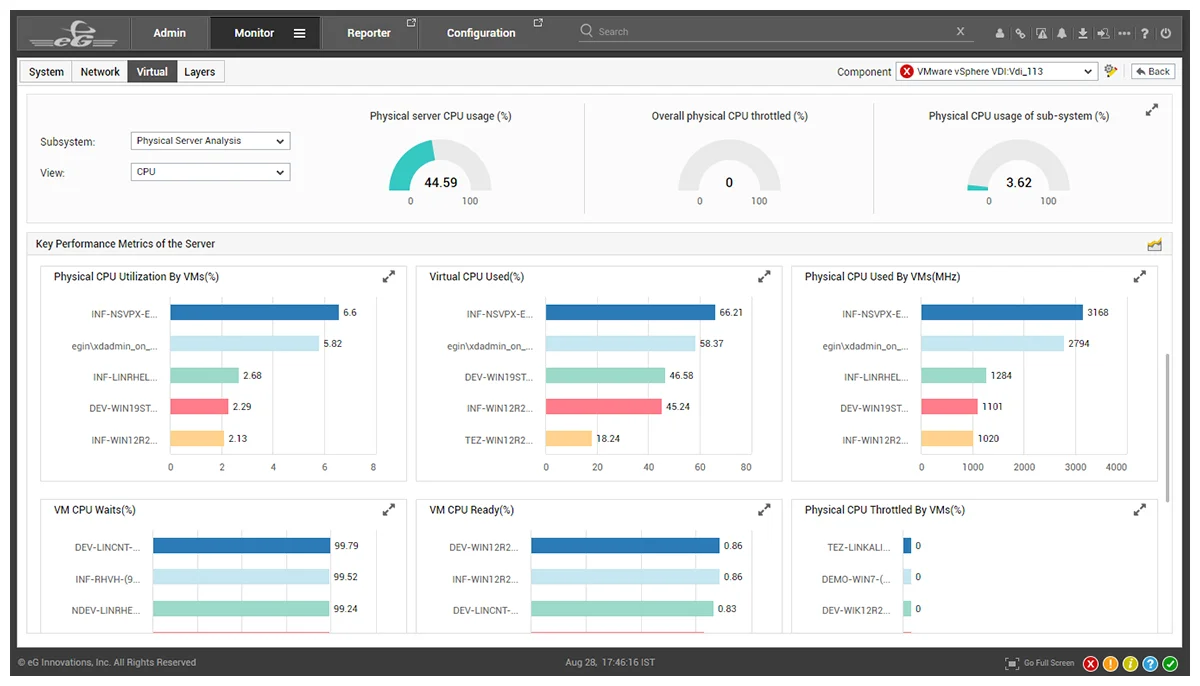
Identify bottlenecks, top resource consuming applications and VMs to right-size your environment for maximum ROI.
What is VMware vSphere?
VMware vSphere -- formerly known as VMware Infrastructure -- is the brand name for VMware's suite of server virtualization products that includes its ESXi hypervisor and vCenter management software.
A Proud VMware Partner and Technology Provider
eG Innovations is a VMware Technology Alliance Partner and our flagship monitoring solution,
eG Enterprise is certified VMware Ready and Partner Ready for VMware Cloud on AWS.


Frequently Asked Questions (FAQs) about VMware Monitoring Tools
VMware monitoring tracks the availability, performance and usage of different components of a VMware vSphere infrastructure. It includes monitoring of all key areas of a VMware ESXi hypervisor including the hardware sensors, CPU utilization, free memory, zero memory, balloon memory and memory over-commitment, status of the storage LUNs used and the storage adapters and latency for reads and writes, and the status and utilization of network interfaces. Monitoring of individual VMs is also a key part of VMware monitoring. IT admins need to see utilization and status for each VM and they need to know when a VM is added/removed from a VMware vSphere server.
VMware vCenter plays a very important role in a VMware infrastructure. Datastores are associated to vCenters and then mapped to different ESXi servers. These datastores need to be monitored. Virtual Machine clusters are also handled by vCenter. Using DRS and live migration, vCenter coordinates the movement of VMs between hypervisors. vCenter is also the central point of alerting on VMware KPIs. Monitoring of VMware cluster, user sessions, DRS activity, orphaned VMs, old snapshots, etc. can be performed by connecting to vCenter. Hence, monitoring of vCenter status and performance is important.
VMware monitoring by eG Enterprise is agentless. A remote agent connects to vCenter or to an ESXi server and uses the VMware SDK/API to collect performance metrics and report them in the eG Enterprise console.
One of eG Enterprise's unique capabilities is its 360-degree view of VM performance. Using VMware APIs, eG Enterprise collects information about the physical resources used by individual VMs. To provide further insight, eG Enterprise provides light-weight VM agents that can be deployed on VMs. By connecting to the VM agents, eG Enterprise also obtains an inside view that depicts what application(s) inside a VM is taking up resources.
The use of a single license to monitor a VMware hypervisor and all its VMs (inside and outside perspectives) is a key differentiator of eG Enterprise.
Also, eG Enterprise monitors multiple types of hypervisors including Microsoft Hyper-V, XenServer, Nutanix AHV and others from a single console, unlike VMware vROps.
eG Enterprise's ability to monitor applications in-depth and to correlate application performance with that of the underlying virtual infrastructure is another unique feature.
eG Enterprise's VMware monitoring is licensed by hypervisor, not by cores, sockets or number of VMs. And its licenses are transportable across hypervisor technologies.