Configuring Tests for SAP ABAP System
Once the component is added successfully, you will be directed to the Components page of the eG admin interface where the newly added component will be listed as shown in Figure 1.
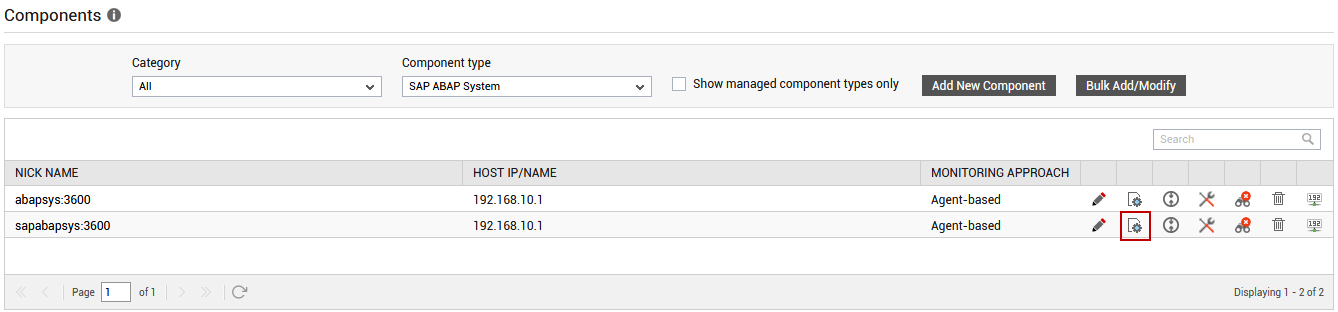
Figure 1 : The Components page listing the newly added SAP ABAP System component
Clicking on the  icon in Figure 1 will lead you to Figure 2 where the list of unconfigured tests will be listed in the UNCONFIGURED TESTS list box.
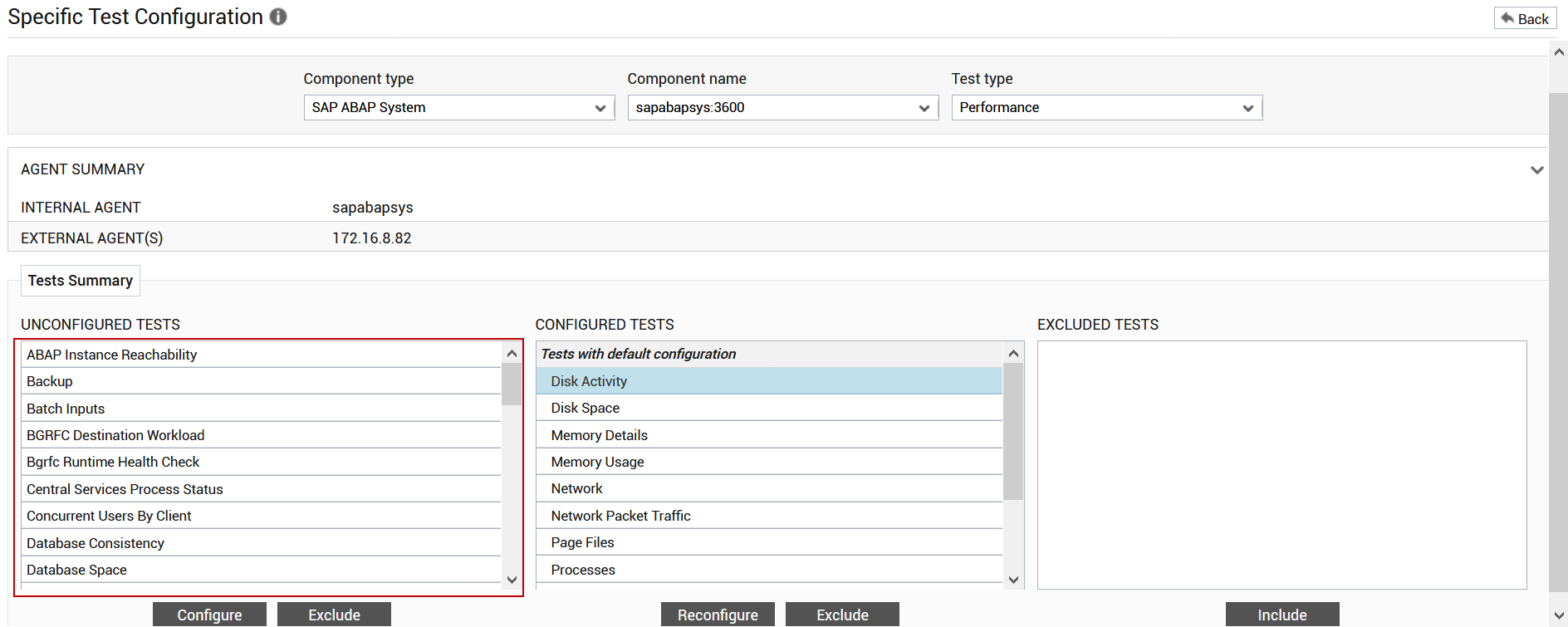
Figure 2 : The list of unconfigured tests for the SAP ABAP System
Click on any of the tests to configure it. For instance, if you click on the BGRFC Destination Workload test, will appear.

Figure 3 : Configuring the BGRFC Destination Workload test
To know how to configure this test, refer to BGRFC Destination Workload Test .
Click the Update button in Figure 3 to update the test configuration. This will automatically configure all the other unconfigured tests for the SAP ABAP System.