Enabling /Disabling User Activities
Administrators can disable a user activity (transaction or an activity) that they do not wish to execute during simulation.
-
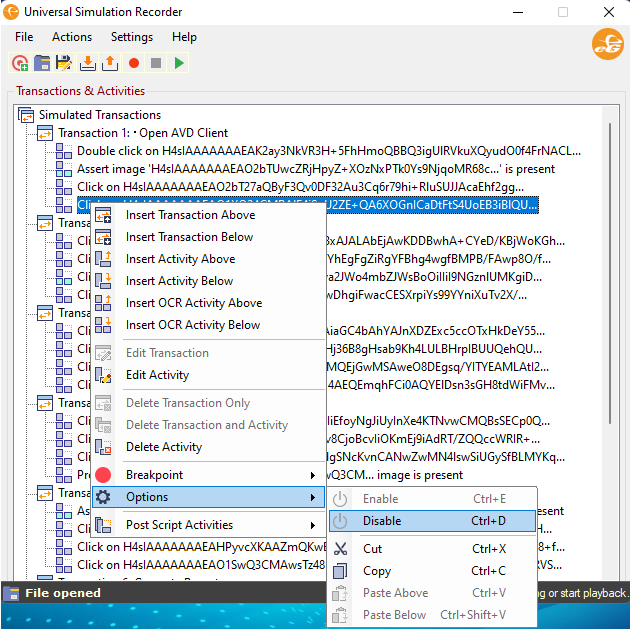
To disable a user activity, administrators can right click on that user activity, expand the Options and choose the Disable option (see Figure 1).
-
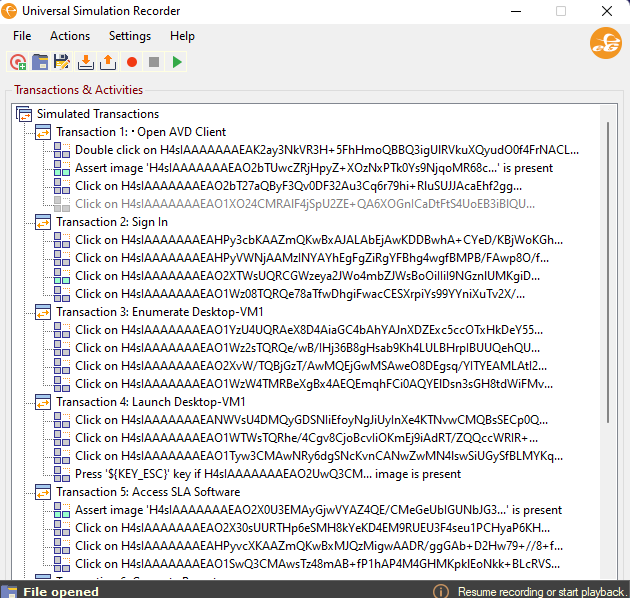
The user activity will then be displayed as a grayed out activity as shown in Figure 2.
-
To enable a disabled user activity, administrators can choose the Enable option as shown in Figure 3.
