Performing Clipboard Operations
Sometimes, administrators may want to add a recorded user activity/transaction to another transaction without recording the entire script afresh. For this, administrators can right click the user activity/transaction, expand the Options menu and use the Copy option (see Figure 1).
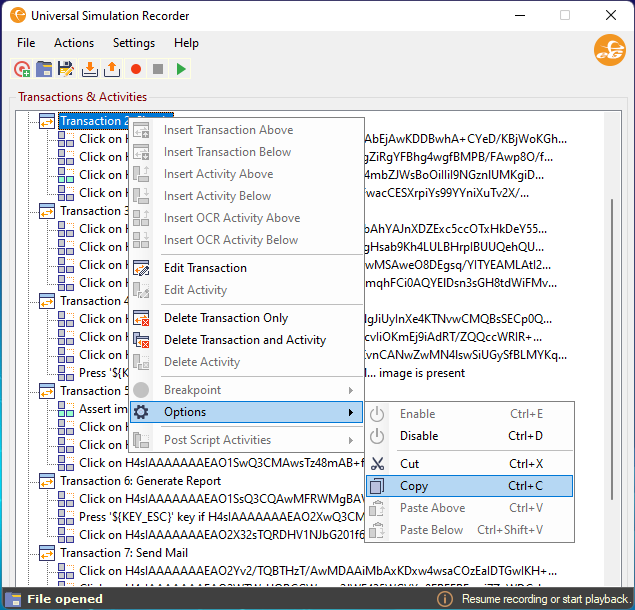
Figure 1 : Copying a User Activity/Transaction
You can even paste the copied user activity or a transaction above or below a user activity or transaction using the Paste Above and Paste Below options (see Figure 2).
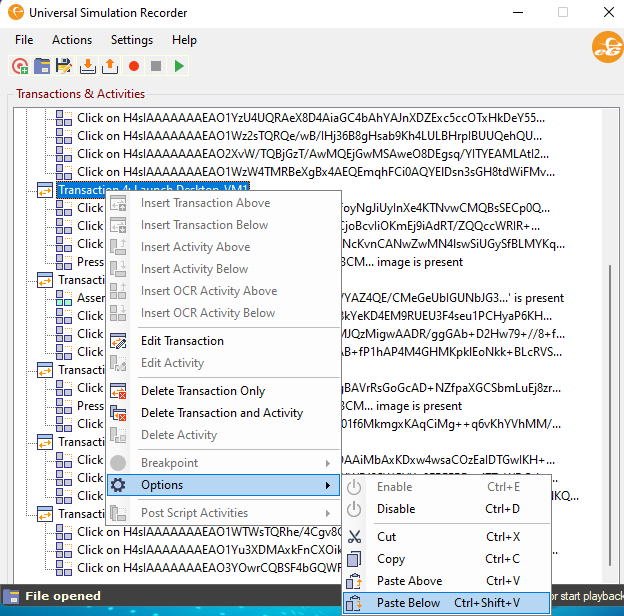
Figure 2 : Pasting a User Activity
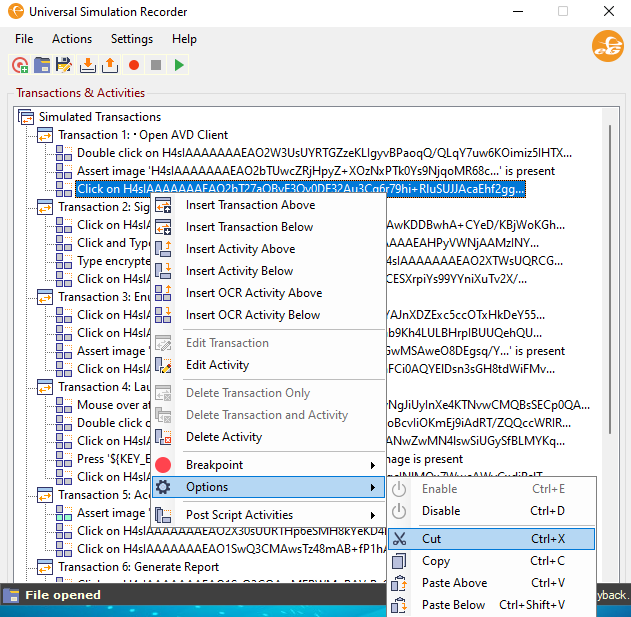
Administrators can even Cut a user activity from a transaction and paste the same activity to a different transaction (see Figure 3).